
Welcome to AnarchyMu
If you press Hotkey F10 - Collections window will open where you can check all possible bundles to collect and its requirements.
There is few rules about collections:
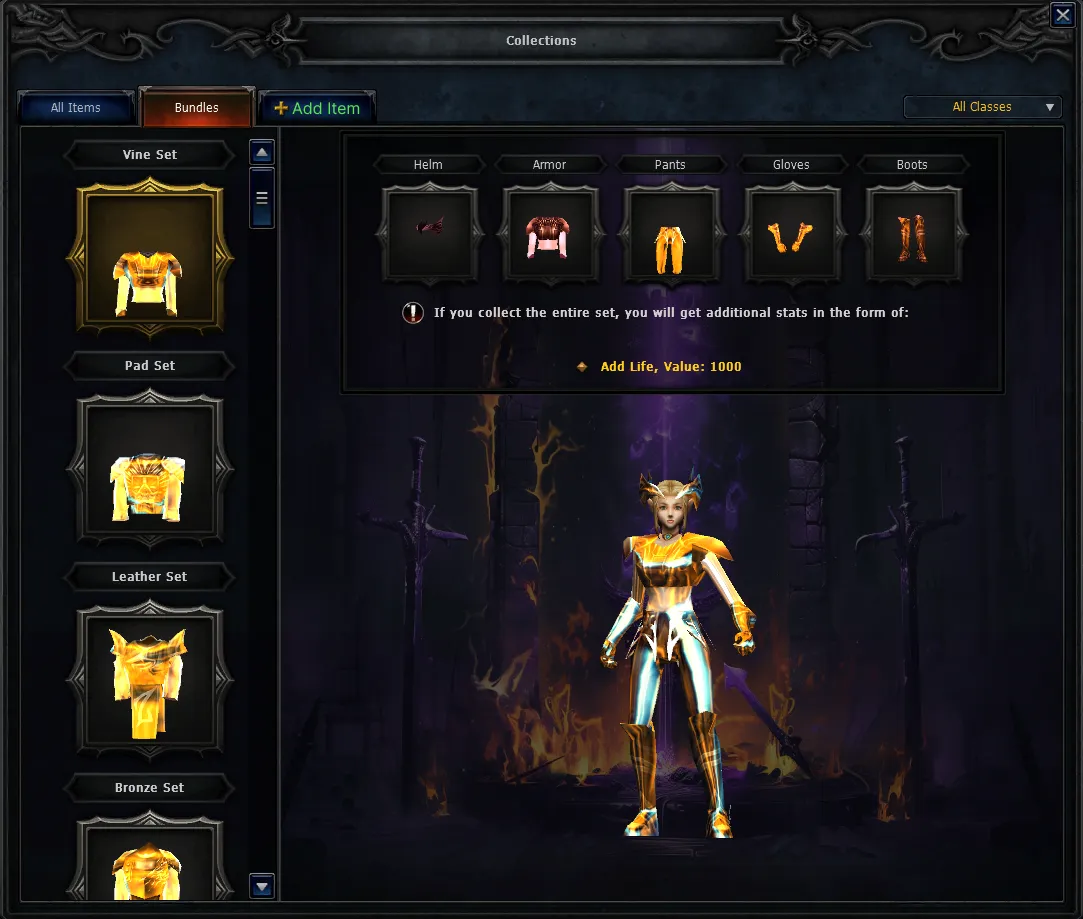
When choosing a particular collection, you can check it requirements and buff that will be provided upon completion of collection.
To check what each item in a collection bundle needs, open the collection you’re interested in, point at any item, and see its requirements.
After filling one of the collections, your character will receive permanent buff!
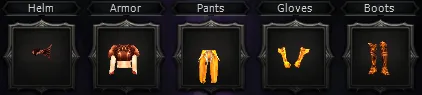
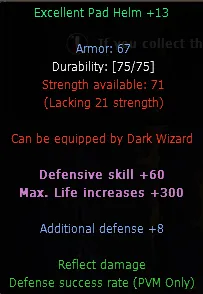
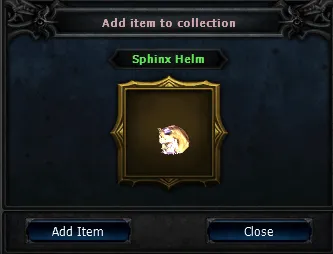
To add item into collection, press +Add Item on the top of Collections and press on item that you wish to add with Right Mouse Button (RMB).
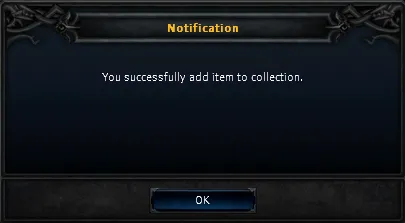
After placing item into window, press Add Item, if added item fits collection requirements, approval notification will appear and item will be added into collection.